


In Part 2, we installed the Database Software. Next we need to create the database, and make a few tuning tweaks.
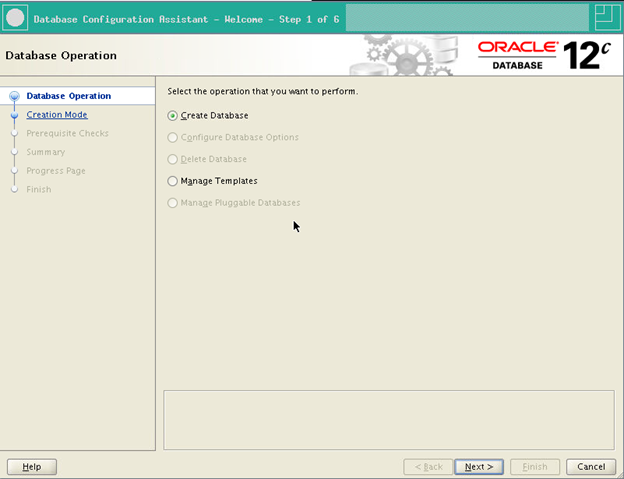
Next, lets run dbca, to create the database instance
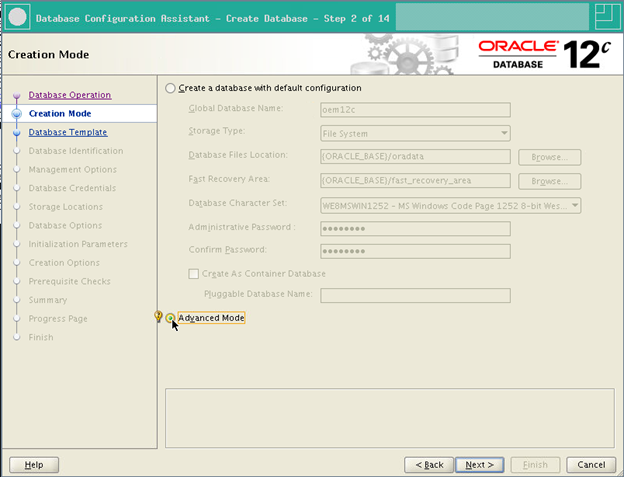
We are going to use the advanced mode
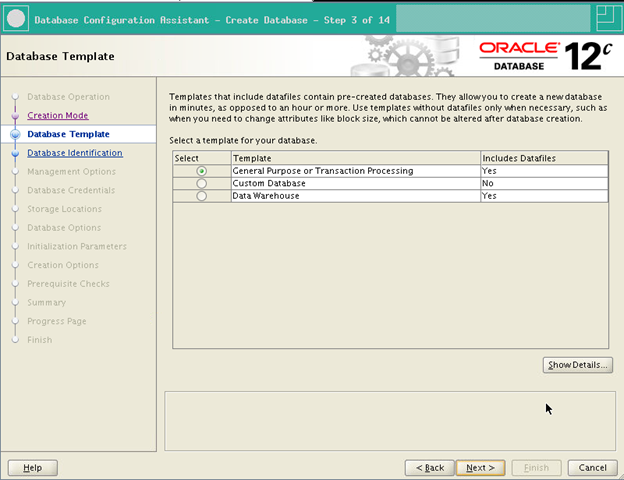
And set it up for OLTP for the initial config
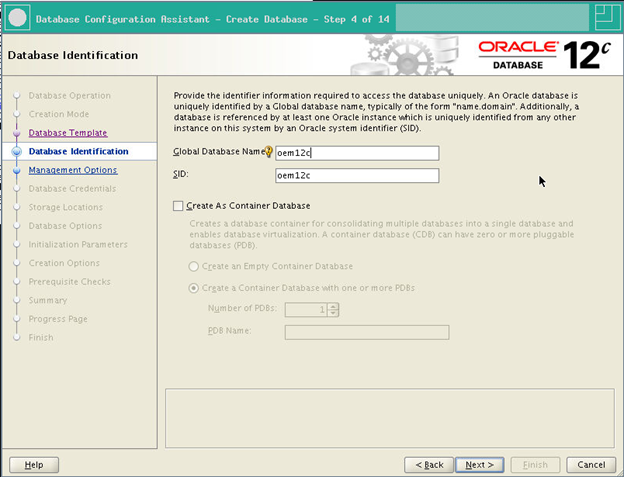
We will name the database and SID oem12c
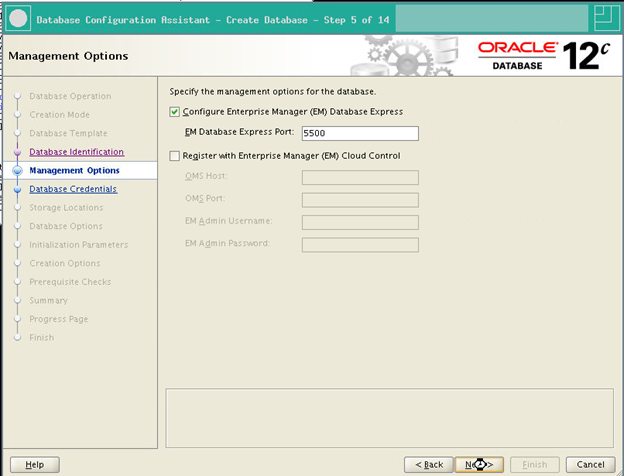
While you do not need EM Express, it can some in handy, so lets turn it on
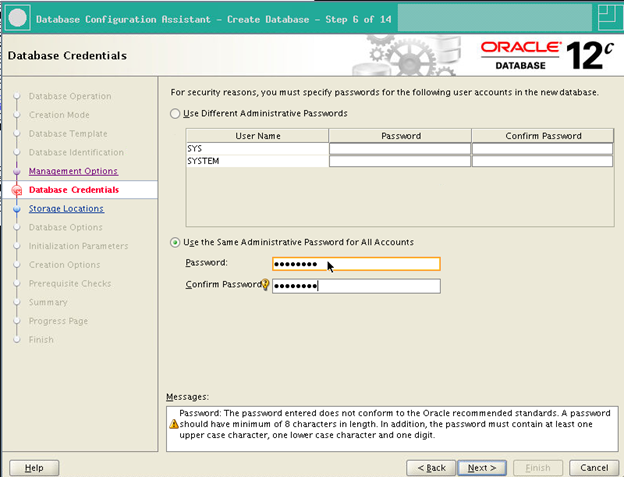
To keep things simple, lets use the same password for all users.
We will use an existing listener, if you do not have one, go ahead and create one.

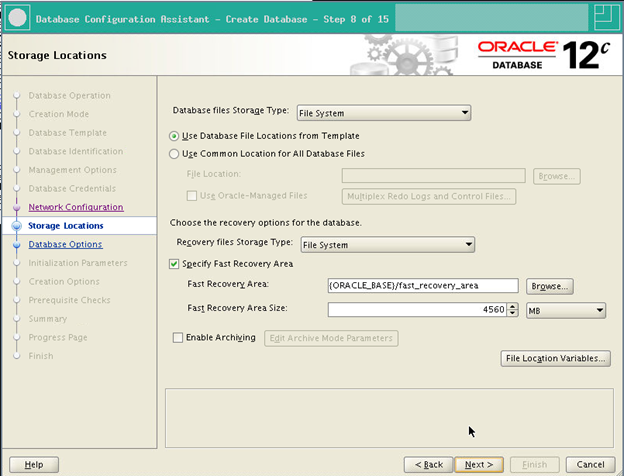
For the sandbox environment, we will use file system, but in production systems I prefer to use ASM, unless I am on an ODA.
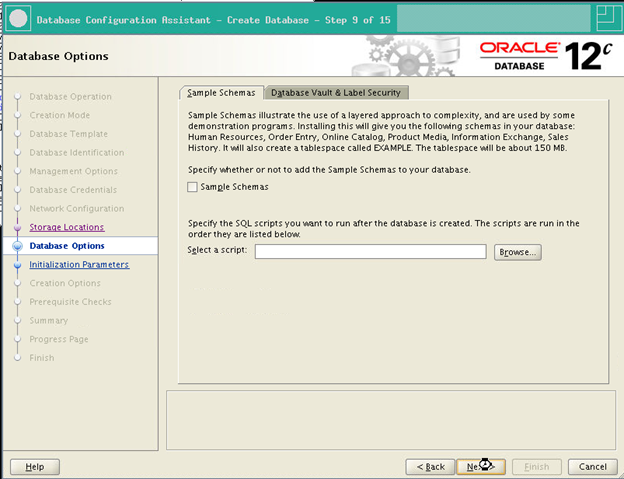
No sample schemas are needed
Since this is a sandbox, we will drop the memory down to a 3G memory target. Production systems can easily use more.
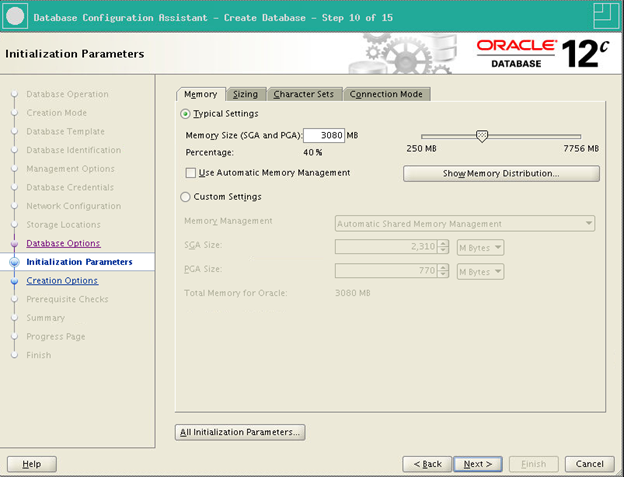
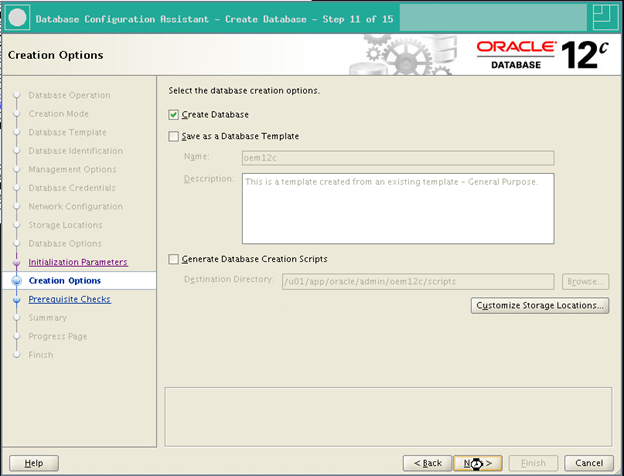
Time to create the database, speaking of templates, Oracle does have a database template that you can use to speed this up.
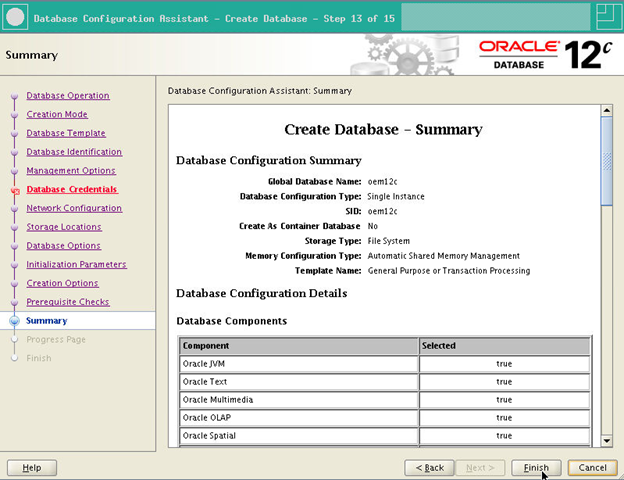
And we are done, let’s verify the settings before moving forward.
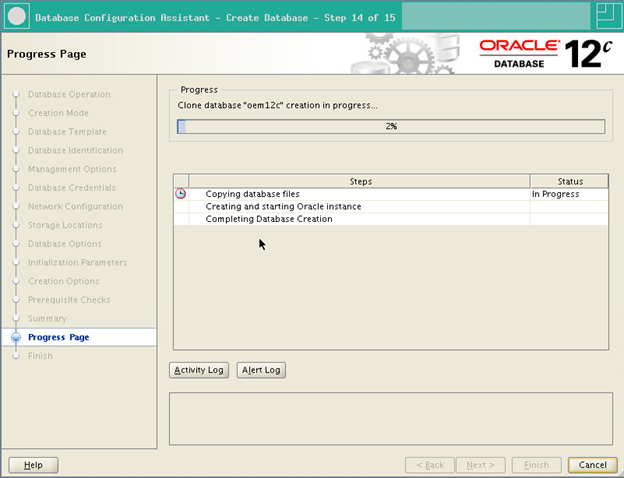
The Installer will kick off, depending on your storage this can take a bit. Time to grab a coffee and catchup on the latest posting on http://community.oracle.com
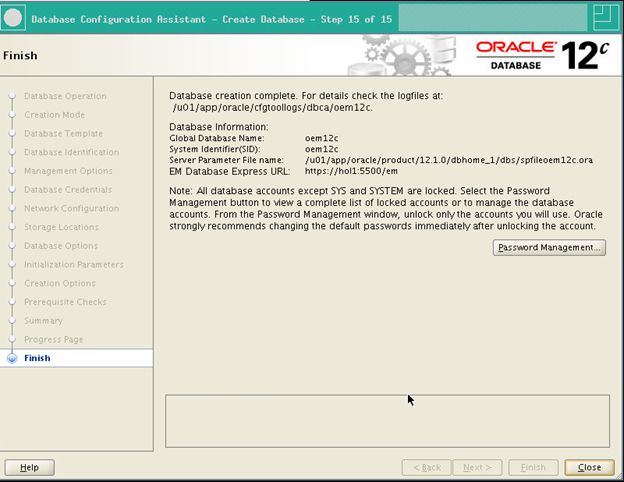
We now have a database!
After the DB is installed, and before we run the OEM installer, we need to update a few of the database parameters. At a minimum we need to enable db_securefule, increase the cached cursors to 200 and set the shared pool to at least 600m.Production servers will, and should receive additional tuning.
[oracle@hol1 ~]$ . oraenv
ORACLE_SID = [oracle] ? oem12c
The Oracle base has been set to /u01/app/oracle
[oracle@hol1 ~]$ sqlplus / as sysdba
SQL*Plus: Release 12.1.0.2.0 Production on Sun Sep 20 21:29:02 2015
Copyright (c) 1982, 2014, Oracle. All rights reserved.
Connected to:
Oracle Database 12c Enterprise Edition Release 12.1.0.2.0 – 64bit Production
With the Partitioning, OLAP, Advanced Analytics and Real Application Testing options
SQL> alter system set db_securefile=PERMITTED scope=both;
System altered.
SQL> ALTER SYSTEM SET session_cached_cursors=200 SCOPE=SPFILE;
System altered.
SQL> ALTER SYSTEM SET shared_pool_size=600M SCOPE=SPFILE;
System altered.
SQL> shutdown immediate
Database closed.
Database dismounted.
ORACLE instance shut down.
SQL> startup
ORACLE instance started.
Total System Global Area 2432696320 bytes
Fixed Size 2927288 bytes
Variable Size 805307720 bytes
Database Buffers 1610612736 bytes
Redo Buffers 13848576 bytes
Database mounted.
Database opened.
SQL>
The database has been installed, so next we will install OEM in the Part 4. Again, if you are taking VM Snapshots, please grab one now before heading on to installing OEM.
